
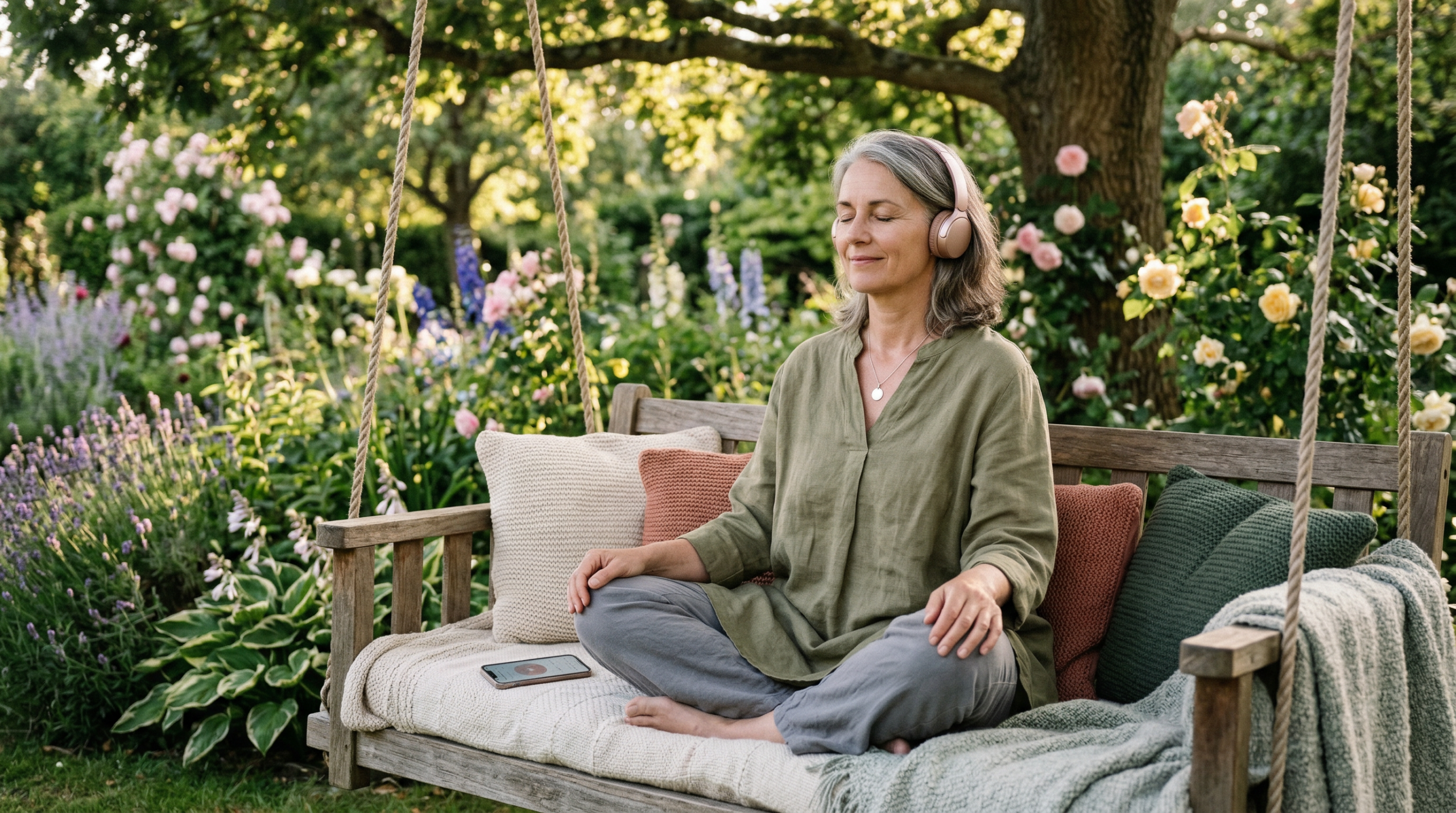
Guided Breathing & Relaxation With Gentle AI (Calm Prompts You Can Use Today)
Sometimes we don’t need a big lifestyle overhaul — we just need a calm moment. A slower breath. A gentle reset.
The nice thing about AI is that it can act like a calm prompt-writer: it can create short breathing guides, soothing words, and simple wind-down routines in a tone that feels supportive, and in a length that suits your day.
This post gives you ready-to-use prompts you can copy into ChatGPT (or Copilot) to create:
- a 60-second breathing reset
- a 3–5 minute guided relaxation
- a bedtime wind-down
- a “calm down before a message/call” routine
…and more.
Gentle note: This article is for everyday relaxation and stress support. It’s not medical advice. If you have a health condition, breathing difficulties, panic symptoms, or trauma triggers, please use what feels safe and check in with a health professional.
Quick Start (try one today)
If you only try one thing, try this:
Copy + paste prompt (60 seconds):
“Please guide me through a 60-second breathing reset as if you’re speaking to me. Keep it very gentle and simple. Use short lines and natural pauses, and include reminders like ‘soft jaw’ and ‘relax shoulders’.”
You can also customise the tone. If you like, ask for no spiritual language, or light spiritual wording — whatever feels most comfortable for you.
That’s it — you’ll get a calm little spoken-style guide you can listen to.
How to use this as audio (pick one)
Option A: Have the AI speak it in real time (easiest).
Use voice mode (or read it while you listen) and let it guide you step by step.
Option B: Have your phone read it aloud.
Copy the script into Notes, then use your phone’s read-aloud feature so you can close your eyes and just listen.
Option C: Save your favourite for later.
Once you have a script you like, save it in Notes as “My Calm Reset” (or record it in Voice Memos). Then it’s always there when you need it.
Why use AI for breathing and relaxation?
AI doesn’t “do” the relaxation for you — you do. What AI can do is help you:
- find words that feel calming (without sounding cheesy)
- keep it short and doable
- match your preferences (tone, pace, no spiritual language, etc.)
- create variety so it doesn’t feel repetitive
Think of it as a personalised script generator for calm — especially useful when your brain feels busy.
How to use these prompts safely
Here are a few gentle guardrails:
- Keep it comfortable. If a breathing pattern feels unpleasant, switch to normal breathing and choose a simpler script.
- Avoid extremes. You don’t need long breath-holds or intense techniques.
- Use everyday language. The goal is calm, not perfection.
- If you feel worse, stop. Sometimes focusing on your breathing can make you more aware of stress sensations (like a tight chest or racing thoughts). If that happens, return to normal breathing and try a grounding prompt instead. Look around and name three things you can see, then feel both feet on the floor.
Your calm prompt kit (copy + paste)
1) A 60-second reset (simple and quiet)
Prompt:
“Guide me through a 60-second breathing reset as spoken audio. Use short lines with gentle pauses. No breath holds. Include ‘soft jaw’ and ‘relax shoulders’.”
Optional add-on:
“Give me 3 versions: morning, afternoon, and bedtime.”
2) The “3-minute calm” (good before emails/calls)
Prompt:
“Create a 3-minute calming routine with breathing + a short body scan. Write it like you’re speaking to me: short sentences, natural pauses, down-to-earth tone. End with one encouraging line.”
Optional add-on:
“Make it suitable for someone over 50 who wants a calm, friendly tone.”
3) A 5-minute guided relaxation (whole body)
Prompt:
“Write a 5-minute guided relaxation as a spoken script. Include: settling in, slow comfortable breathing, relaxing face/neck/shoulders, soft belly, hands, legs. Keep it simple, with gentle pauses. ”
4) “I can’t settle” grounding (when breathing feels hard)
Sometimes when we’re anxious, focusing on breath can feel too intense. Grounding helps.
Prompt:
“Guide me through a gentle grounding routine as spoken audio that does NOT focus on breathing. Use the 5-4-3-2-1 senses method and end with one calm reassurance.”
5) Bedtime wind-down (no fluff)
Prompt:
“Write a bedtime wind-down script (4 minutes) as spoken audio. Gentle tone. No ‘manifesting’. Include: dim lights reminder, unclench jaw, comfortable breathing, and a simple ‘tomorrow can wait’ line.”
Optional add-on:
“Add a short version (90 seconds) for nights I’m very tired.”
6) A calming ‘read-aloud’ script for your phone
Prompt:
“Write a calm 2-minute script I can copy into Notes so my phone can read it aloud. Soothing but not corny. Short lines and gentle pauses.”
7) A ‘calm in public’ mini routine (waiting room / checkout line)
Prompt:
“Create a discreet 60-second calming routine I can do in public. Include posture cues and a gentle focus point. Keep it subtle and practical.”
8) A personalised script (tailored to your preferences)
Prompt:
“Ask me 5 questions to personalise a breathing/relaxation audio script (tone, length, time of day, any words to avoid, and what I’m feeling). Then write my spoken-style script.”
Make it yours (the 3 custom settings)
Once you find a script style you like, tell AI:
- Tone: warm, calm, not cheesy
- Length: 60 seconds / 3 minutes / 5 minutes
- Breathing style: no holds; slow and comfortable
This is the simplest way to get repeatably good scripts.
A gentle example (so you can see how it feels)
Here’s an example of what AI might write when you ask for a spoken-style 60-second reset:
60-Second Reset (example)
Sit comfortably.
Let your shoulders drop.
Soft jaw.
Breathe in… easy and natural.
Breathe out… a little slower.
Again… in…
and out… soften your face.
Let your hands feel heavy.
One more slow breath…
and when you’re ready, come back to your day — just a little steadier.
(You can ask AI to make it more/less “soft” depending on your preference.)
Common questions
Do I need a special app?
No. You can use ChatGPT or Copilot to create the breathing script. Then you can listen in one of three simple ways:
- Voice mode (best experience)
- Read aloud on your device (good backup)
- Record your favourite once (then you can replay it anytime)
I don’t want to copy and paste. Can I still do this?
Yes. Voice mode is perfect for this. Tap the microphone and simply say:
“Guide me through a 60-second breathing reset. Gentle voice, short lines, with pauses.”
No typing needed.
When I used “Read Aloud” it sounded robotic. What can I do?
That’s common. Read-aloud tools are designed for clarity, not relaxation. Here are easy fixes:
- Ask AI to write the script with pauses (for example: “Add (pause) cues and short lines”).
- Or use voice mode, which often sounds more natural for guided breathing. In voice settings you can usually choose from a few voices – pick one that feels calm and unhurried (some people prefer Spruce, if it’s available to you.
- If you’re using device read-aloud, try changing the voice and slowing the speed slightly in the read-aloud settings.
What if Voice mode is still too fast? Try this
Ask for a slower script with built-in pauses:
“Guide me through a 60-second breathing reset as if you’re speaking to me. Slow pace. Unhurried. Use short lines with (pause) cues. Include ‘soft jaw’ and ‘relax shoulders’.”
Can I save this so I don’t have to set it up every time?
Yes — this is a great idea.
- Save your favourite script in a note called “My Calm Reset”.
- Or record yourself reading it once (Voice Memos / Recorder). Then you can simply press play.
Where do I find the microphone?
In most AI apps, look for a small microphone icon near the typing box. Tap it, then speak normally.
If you don’t see one, you can still type: “Please guide me as if you’re speaking to me, with gentle pauses.”
Is this safe for everyone?
Most gentle breathing is fine, but if you have breathing issues, panic symptoms, or anything that feels unsafe, choose a grounding script (no breath focus) or check with a professional.
How often should I use it?
Think “tiny and often.” Even once a day is a win — and 60 seconds still counts.
Wrapping up
Calm isn’t something we “achieve.” It’s something we practise in small moments.
If you’d like a simple next step, save your favourite script and name it “My Calm Reset.” Then it’s ready whenever you need it — especially on the days you don’t feel like thinking.